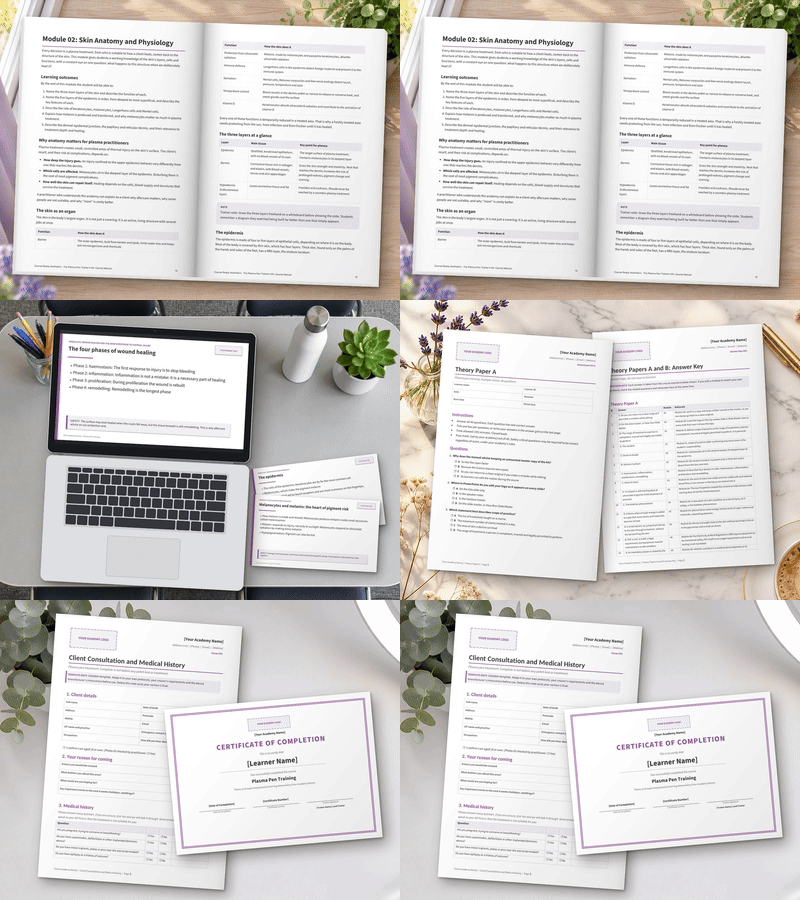
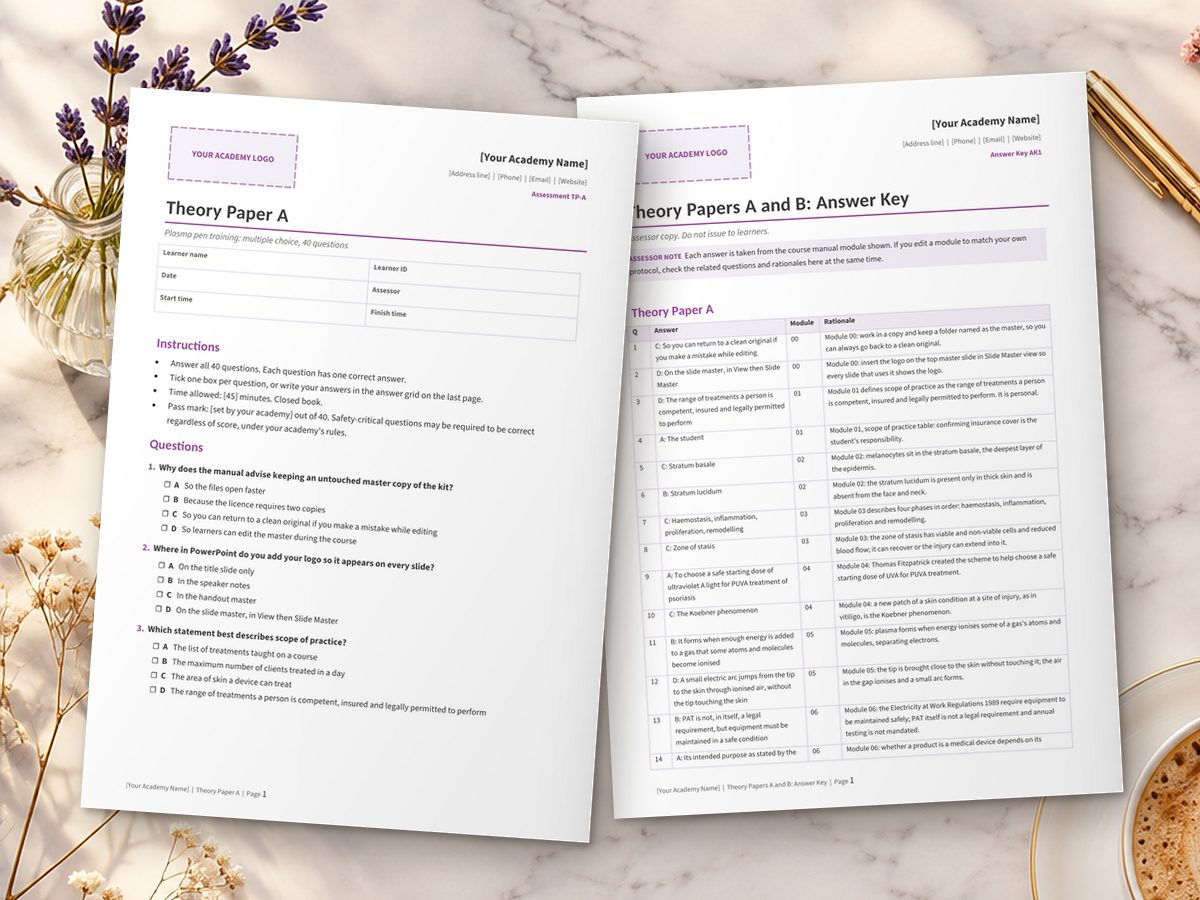
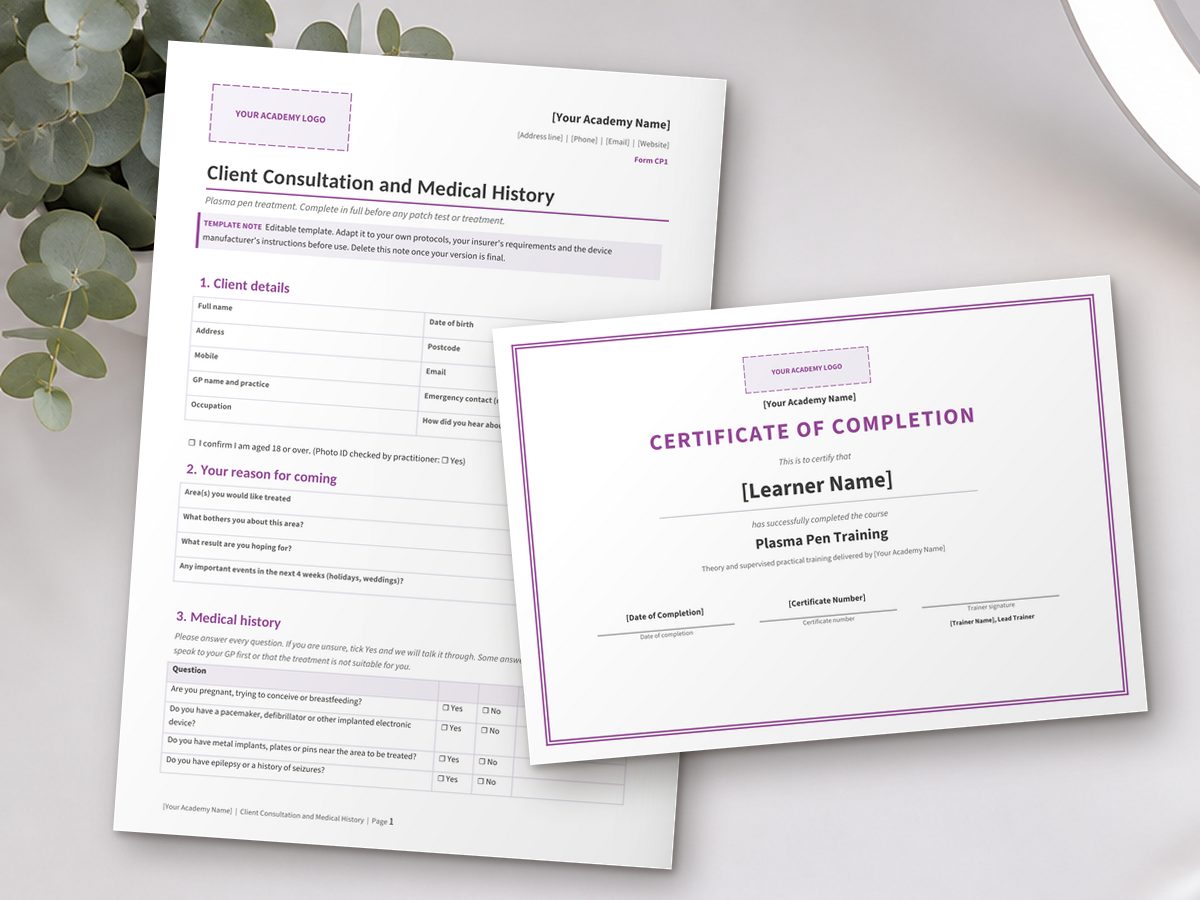
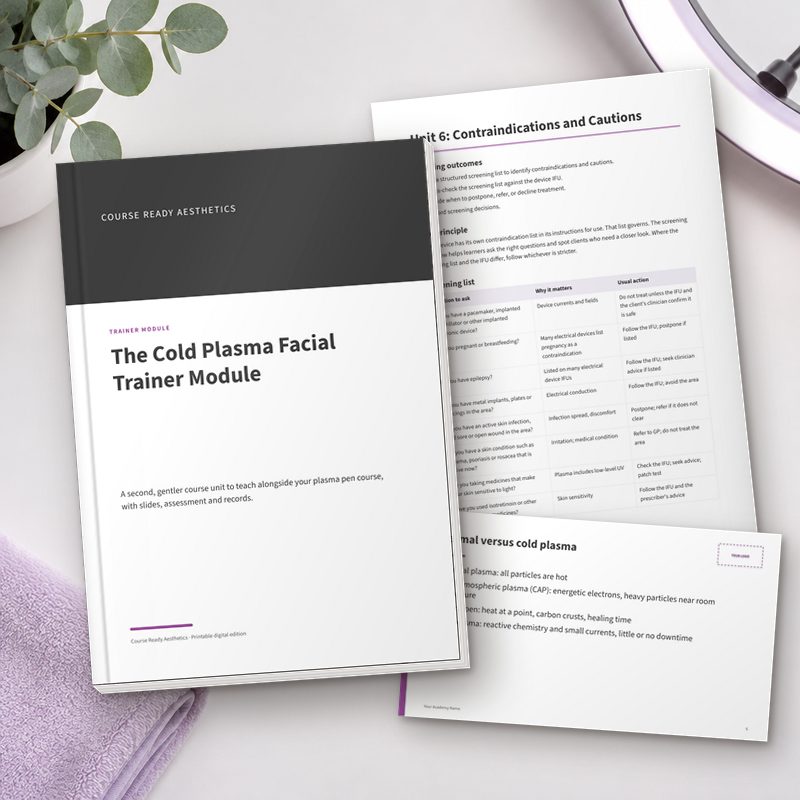
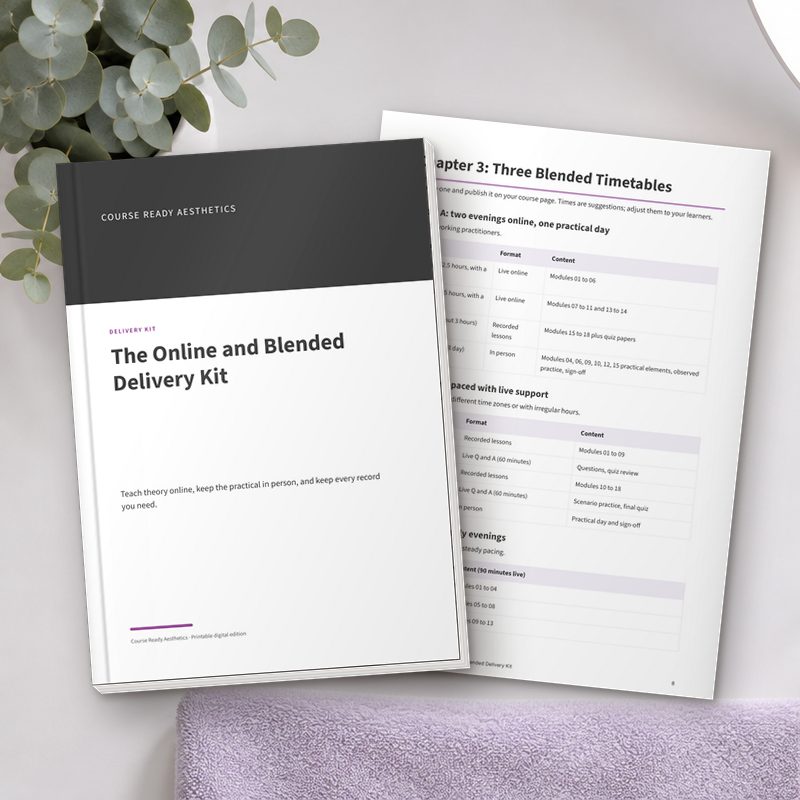
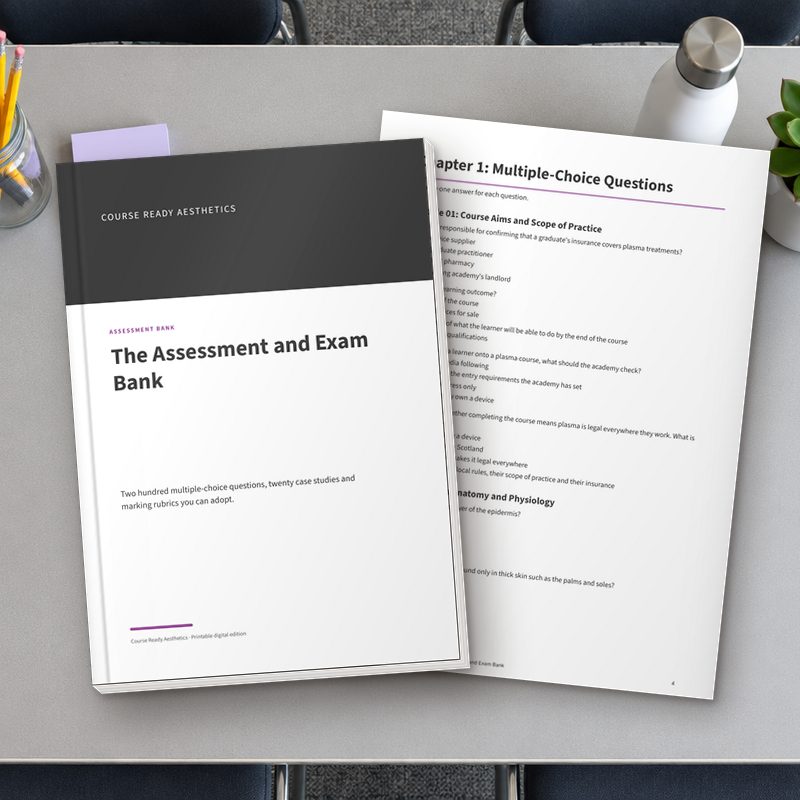
You make a coffee and open the download. The one-page Start Here guide tells you where everything is. You copy the whole folder, rename one copy "MASTER, do not edit", and work in the other.
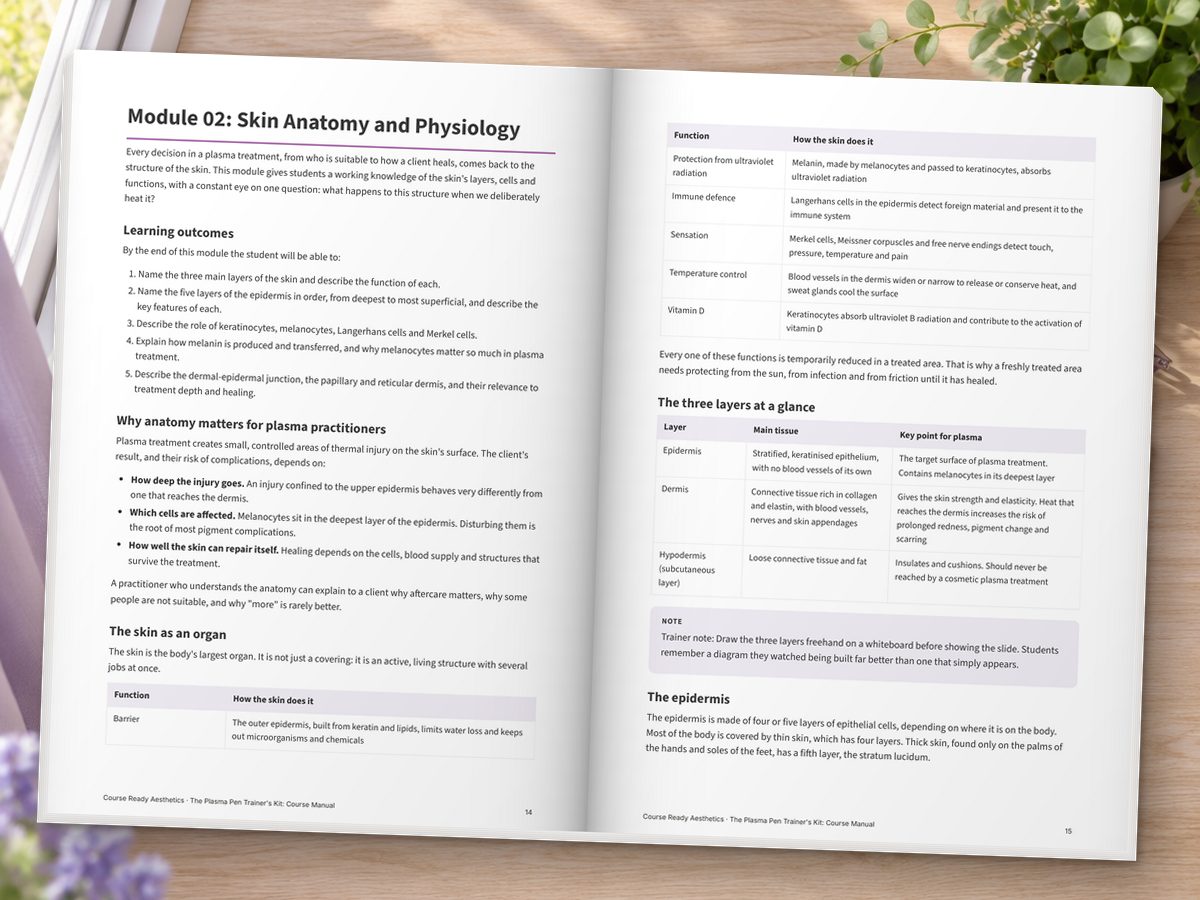
You open the Course Manual in Word, double click the header and drop in your logo. Find and Replace swaps the placeholder name for your academy's name across all 199 pages at once. On the cover you type your course title and today's date as the version date.
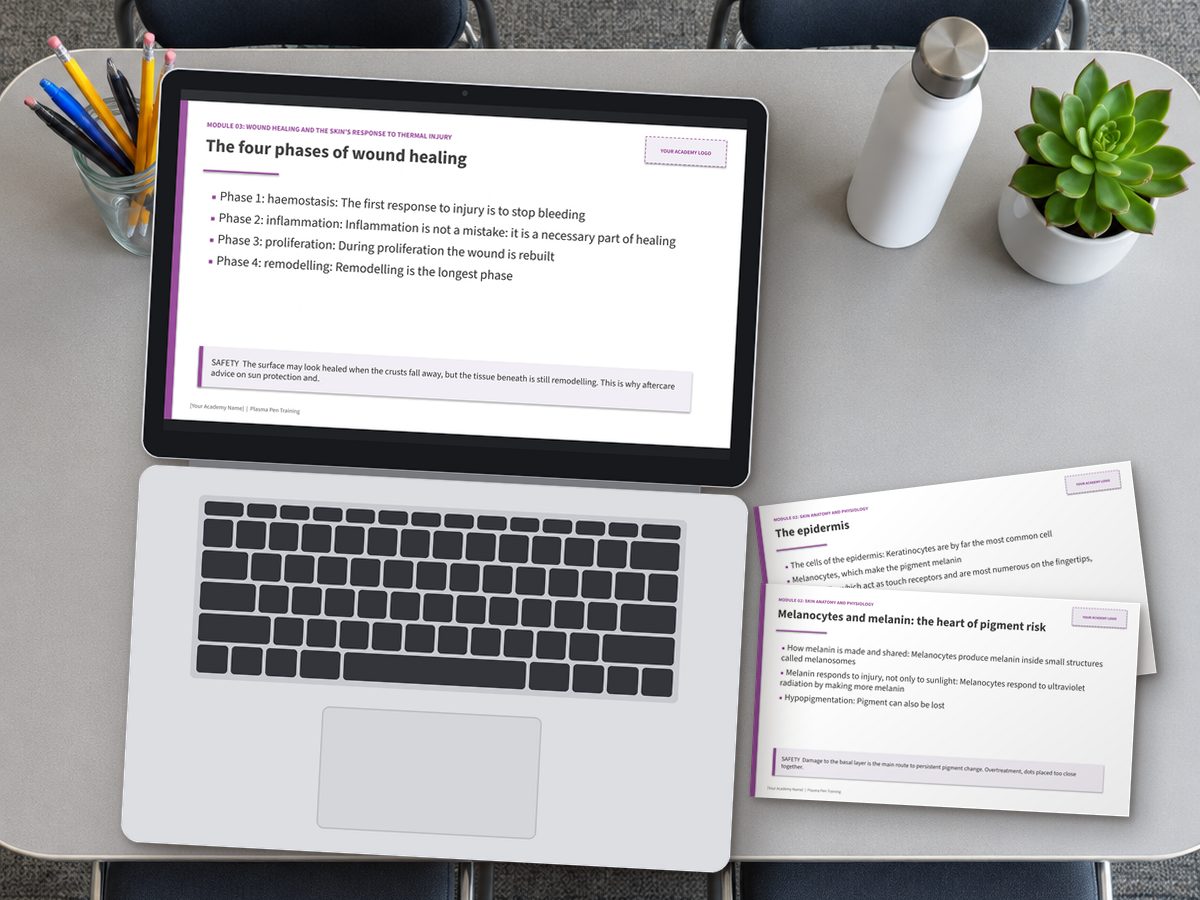
In PowerPoint you open the slide master, add your logo once, and scroll through. Your brand is on every one of the 140 slides. It already looks like a course you would be proud to stand in front of.
You turn to the planner at the end of Module 00. You work backwards from a date about six to eight weeks away: insurer contacted, council check, models booked, course page live, pre-course reading sent. You write the date in your diary.
Next you open The Course Launch Pack, paste the long course description into your website, and adjust the entry requirements to suit your academy. You choose the 1-day timetable for your first run.
Then The Student Recruitment Kit. You pick your first three captions, swap in your date and link, and schedule them. Before you close the laptop, you print The Trainer Compliance Checklist and put it on top of the pile for Monday, so the call to your insurer happens first thing.